If you’ve heard about the new AI Slackbot but aren’t sure what it actually does, this guide answers the most common questions.
What is the new AI Slackbot?
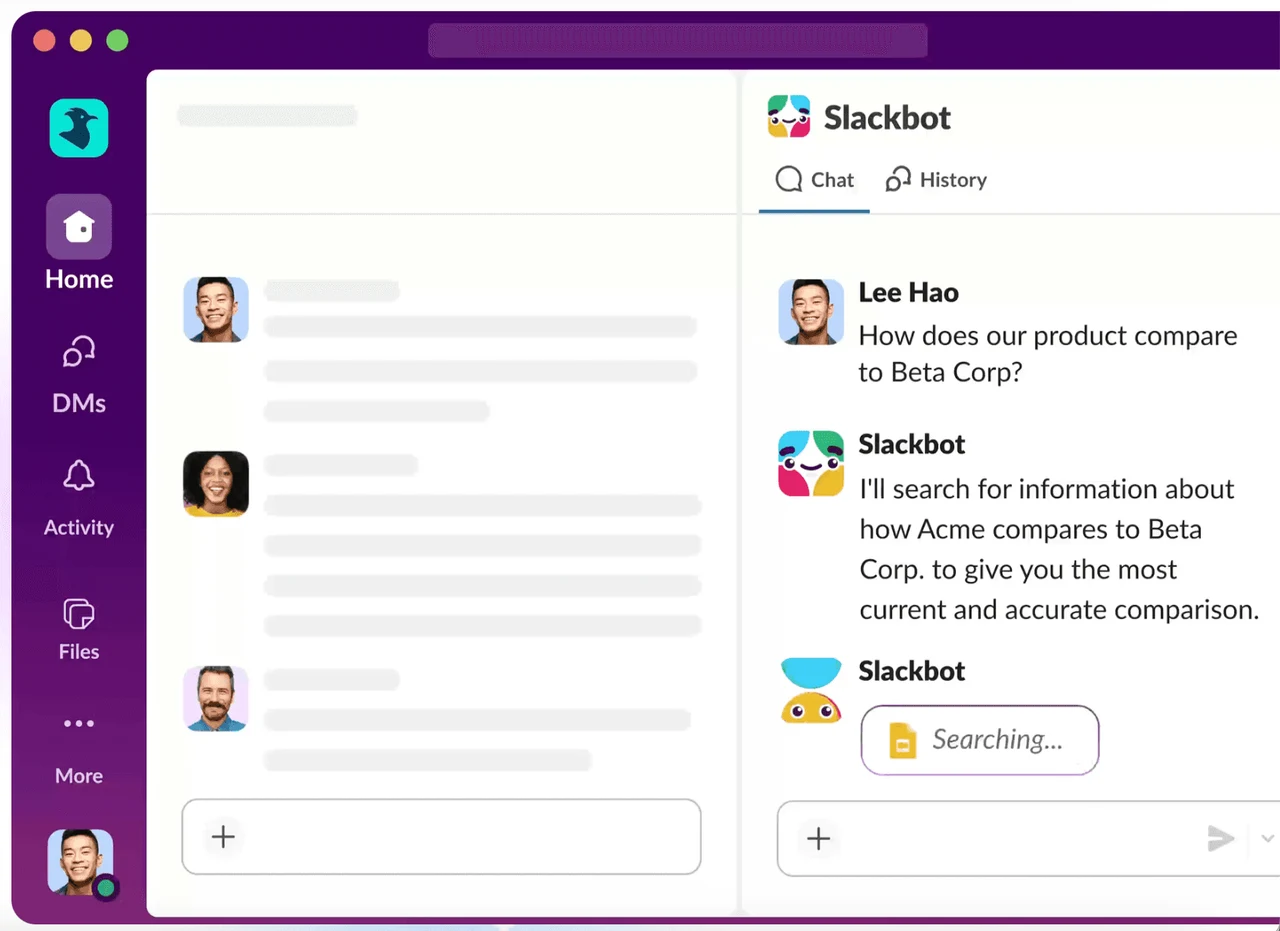
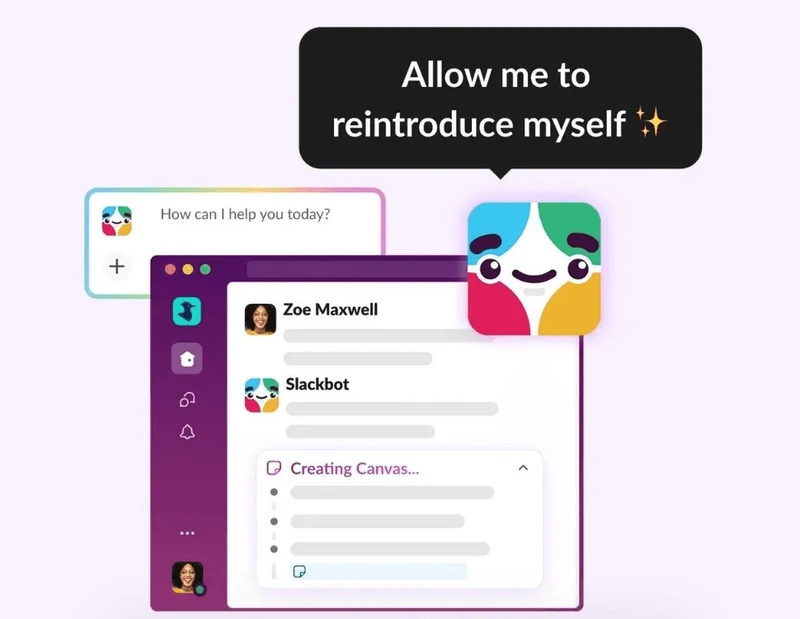
The new Slackbot is an AI-powered assistant built directly into Slack.
Instead of being just a simple bot for reminders, it now acts as a personal coworker that can:
Answer questions
Summarize conversations
Analyze files
Draft messages and documents
Help you prepare for meetings
It works using the context of your Slack workspace, including channels, messages, and files.
How is it different from the old Slackbot?
The original Slackbot was mainly used for:
Reminders
Simple automated responses
Welcome messages
The new version is powered by AI and can:
Understand conversations
Search across channels and files
Generate content
Provide summaries and insights
It’s no longer just a helper. It’s an intelligent assistant that supports daily work.
What kind of questions can you ask Slackbot?
You can ask questions in natural language, like:
“What decisions were made in this channel this week?”
“Summarize the updates for this project.”
“What were the main blockers mentioned by the support team?”
Slackbot searches across messages, channels, files, and connected apps to provide answers based on your permissions.
Can Slackbot help with meetings?
Yes. One of its most useful features is meeting preparation.
You can ask Slackbot to:
Summarize recent activity in a channel
Extract key updates from files
Create a meeting agenda
Highlight action items
This is especially helpful for managers and client-facing teams.
Can it work with documents?
Yes. Slackbot can read and analyze files such as:
PDFs
Spreadsheets
Slide decks
Text documents
It can then:
Summarize the content
Extract key points
Identify next steps
Can Slackbot write messages or documents?
Yes. It can generate:
Meeting agendas
Project briefs
Internal updates
Executive summaries
Draft replies
Because it has context from your workspace, the content is more relevant than what you’d get from a generic AI tool.
How is this different from using ChatGPT or another AI tool?
Most external AI tools require you to:
Open a separate app
Paste context
Explain the situation
Then ask your question
Slackbot already has the context from your workspace.
It knows:
The channels you’re in
The conversations you’ve seen
The files you’ve shared
So you can ask questions directly, without extra steps.
Is it secure?
Slack states that:
Slackbot only accesses information you’re allowed to see.
Your interactions remain private.
Customer data is not used to train large language models.
In other words, it follows the same permission model as your Slack workspace.
How does it connect with Salesforce and Agentforce?
Slack is part of the Salesforce ecosystem, and the new Slackbot fits into Salesforce’s AI strategy with Agentforce.
When connected to Salesforce, Slackbot can:
Surface CRM insights in channels
Help prepare for client meetings
Summarize opportunity or case activity
Draft follow-up messages
This turns Slack into a workspace where communication, CRM data, and AI all come together.
Who benefits the most from the new AI Slackbot?
The biggest impact is usually seen in:
Service companies
Small and mid-size teams
Client-facing organizations
Remote or hybrid teams
These teams often spend too much time:
Searching for information
Catching up on long threads
Preparing meetings
Writing repetitive messages
Slackbot reduces that friction.
Do you need a special setup to use it?
In most cases, you’ll need:
A Slack plan that includes AI features
Proper channel structure
Shared project communication in Slack
Clean, organized data (especially if connected to Salesforce)
The more structured your workspace is, the more useful the AI becomes.
Is this just a trend, or a real shift in how teams work?
This is a real shift.
Slackbot is part of a broader move toward AI agents embedded directly into daily workflows.
Instead of opening separate AI tools, teams will interact with AI inside the platforms they already use.
For companies using Slack and Salesforce, this change is already underway.
Final question: is your team ready for an AI coworker?
If Slack is already where your team communicates, the new AI Slackbot can quickly become:
A knowledge assistant
A meeting prep tool
A writing assistant
A project summarizer
And when combined with Salesforce, it becomes a powerful interface for both communication and CRM data.